Your links are getting clicks.
But what are they telling you?
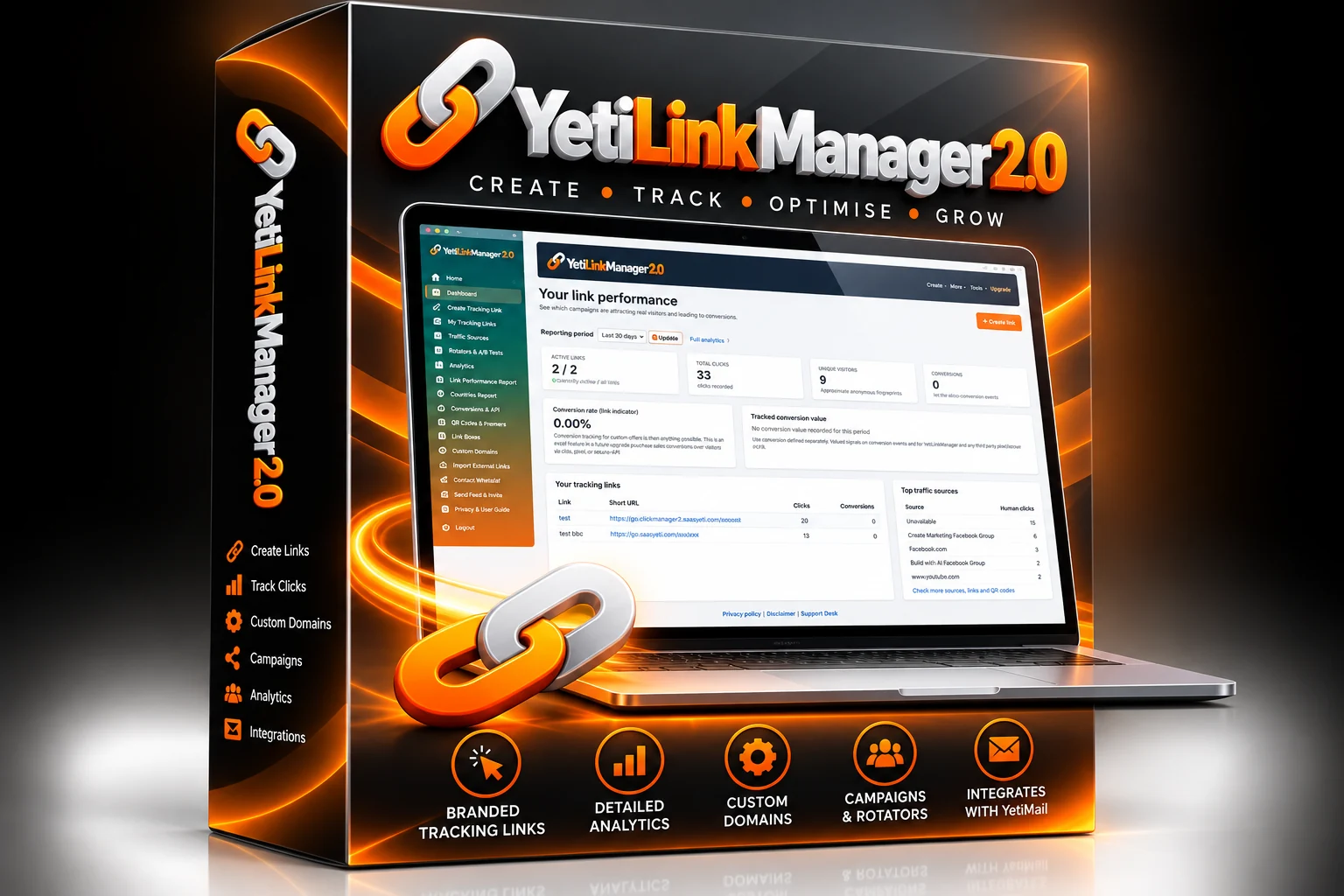
Which post, email or campaign actually brought visitors? Discover the seven decisions you can make when your links tell a clearer story.
See the seven reasons ↓Branded links · Source tracking · Honest analytics
You've done the work.
Where did the results come from?
You sent the email. Shared the post. Published the guide. Then the clicks came in and you were left wondering which bit of effort deserved the credit.
Here are seven ways a better link-tracking habit can help you decide what to do next.
Seven reasons to give every link a job.
Your busiest channel might not be your best
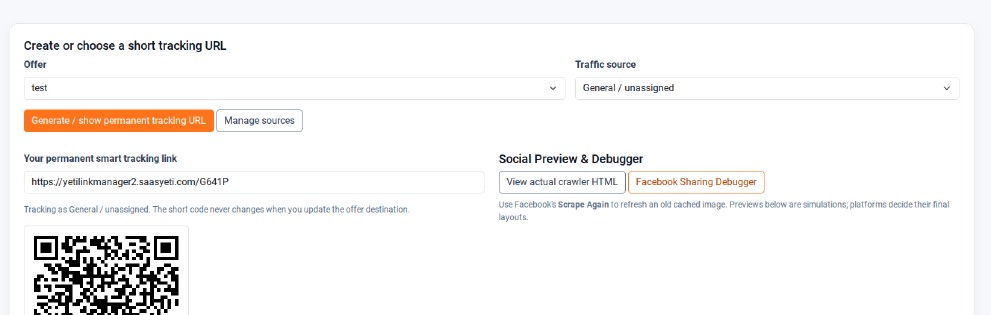
Create separate source links for Facebook, email and every place you promote. Stop assuming the loudest platform is winning.
Emails tell you more when the links are tracked
Compare the clicks from different emails, even when open-rate data is unreliable.

Don't let old content strand your customers
Change a tracking link's destination without having to edit every published copy of the short URL.
Test two possibilities, not twenty opinions
Send traffic through rotators and A/B tests, then use configured conversion events to help evaluate results.
Make the first impression count
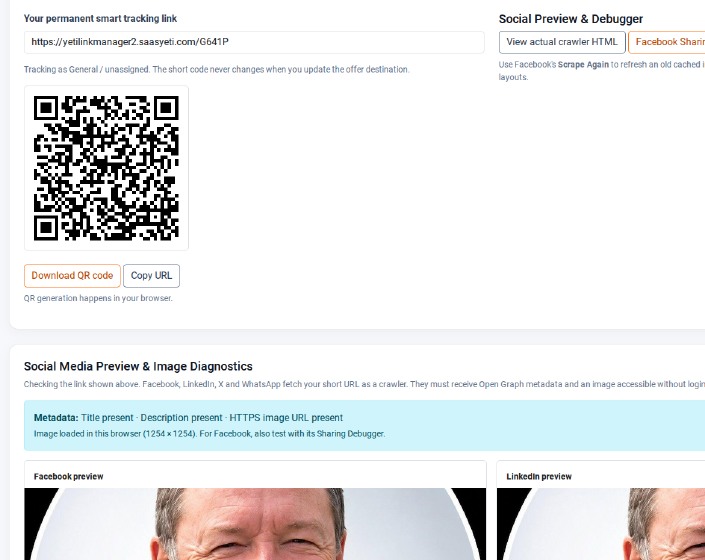
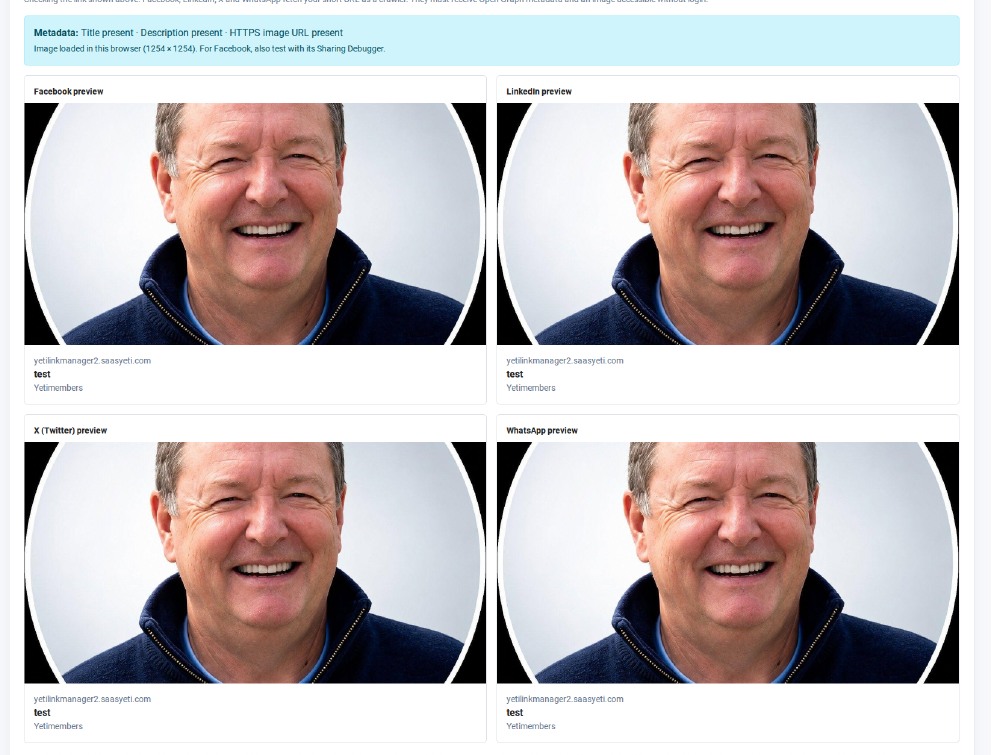
Upload your link image, choose the public title and inspect four social network previews before sharing.
Put scattered links back under control
Find your links, adjust destinations and organise promotions by named traffic sources.
A click is the beginning of the story
Explore clicks, known referring sites and approximate countries. Unknown details stay unknown.
Don't spend next week repeating the campaign you only think worked.
Find out which links deserve your next hour.
Create short links, label traffic sources, build QR codes, inspect social previews, test destinations and review clicks and conversions where configured.
Explore YetiLinkManager 2 ↗Destination management, social previews and country reporting are subject to normal platform conditions. Country detection is approximate. Conversion reporting depends on configuration; unnamed browser referrers remain unknown. Check current access and pricing on the product website.
A few useful truths.
Can the app always identify the Facebook post that sent a click?
No. Browser and platform privacy settings may conceal the referring page. Named source links help you distinguish campaigns regardless.
Will the social preview match Facebook exactly?
The preview is a simulation; Facebook can cache or change its own appearance. Check the link with Facebook's Sharing Debugger for the retrieved metadata.
Does every click represent a customer?
No. Clicks measure visits to a link. To assess outcomes, configure conversion tracking and compare results rather than assuming every click is a sale.